
Your iPhone is now your UW Cashback Card.
Apple Pay is an easy, secure, and private way to pay—in-store, online, and even in your favourite apps. Now available with your Cashback Card on your iPhone, Apple Watch, iPad, and Mac.
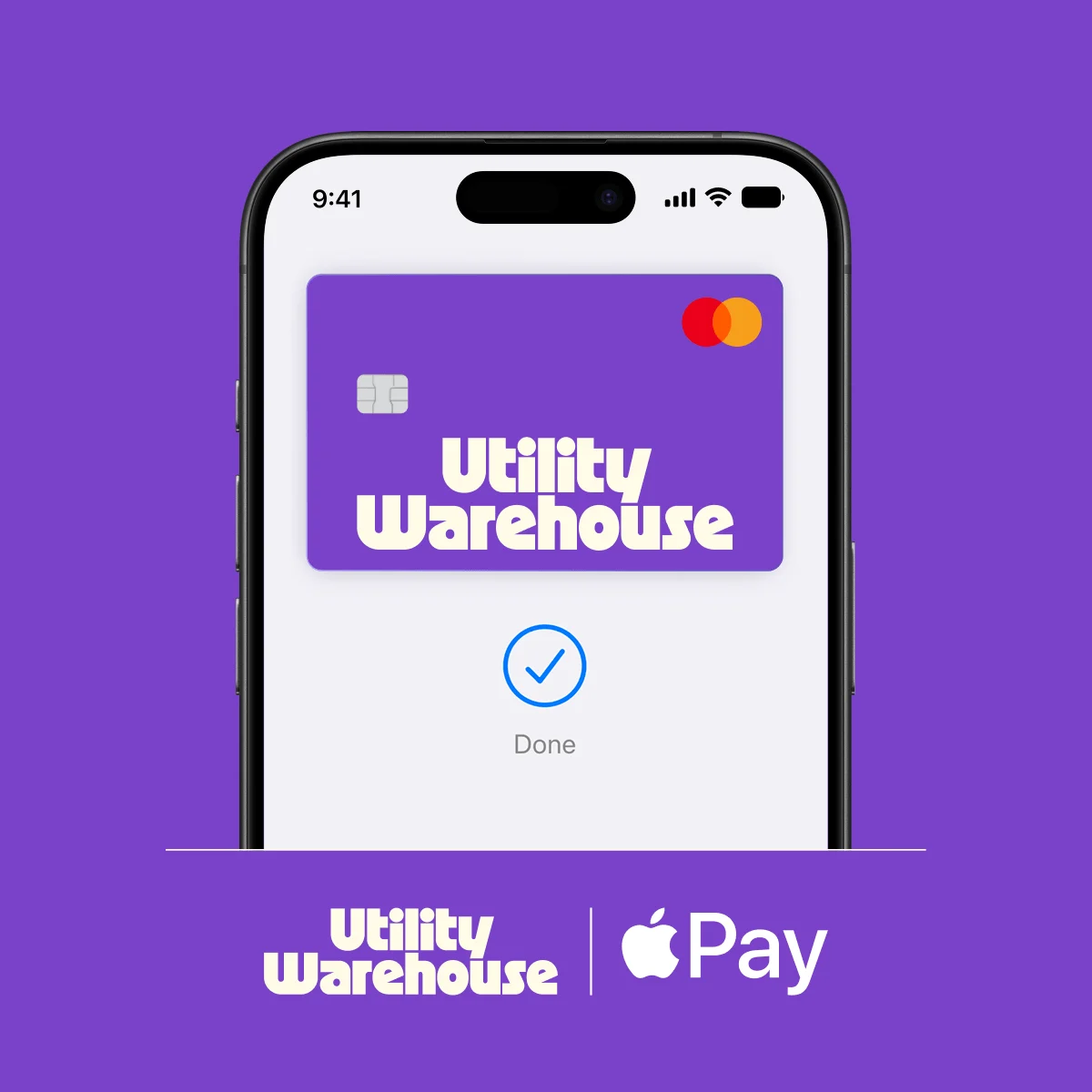
No wallet? No problem.
Easy, fast transactions.
With Apple Pay, you can pay quickly and easily with your Cashback Card right from your iPhone or Apple Watch.
Apple Pay is easy to use.
Look for Apple Pay online and in your favourite apps. Enjoy easy and secure payments — seamlessly from your iPhone, Apple Watch, iPad, or Mac.
Private. Secure. Apple Pay.
Apple Pay uses the security features built into your Apple device to help keep your purchases private and secure.
Adding your UW Cashback Card is easy.
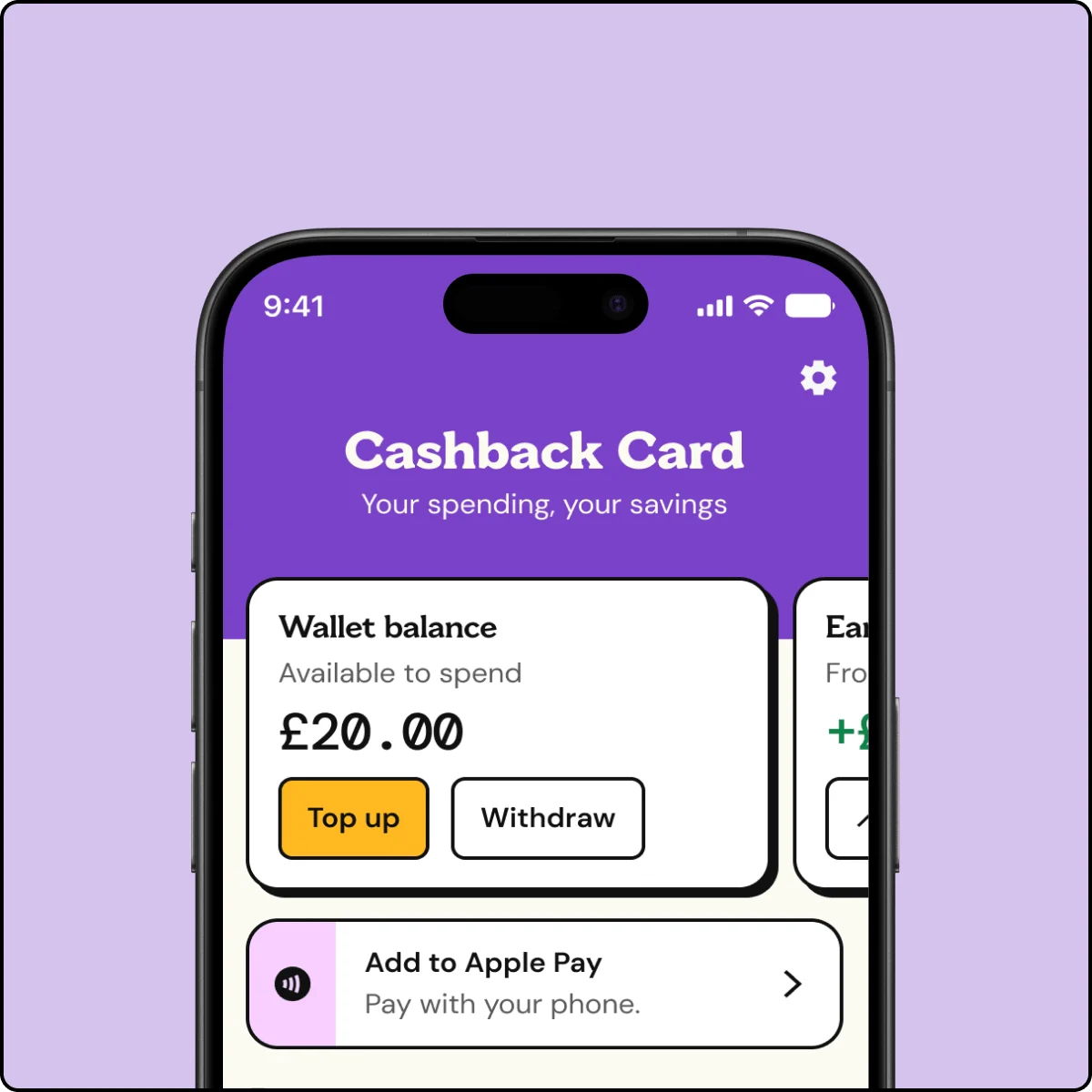
Step 1
In the UW app, go to ‘Cashback’ and tap ‘Cards’.
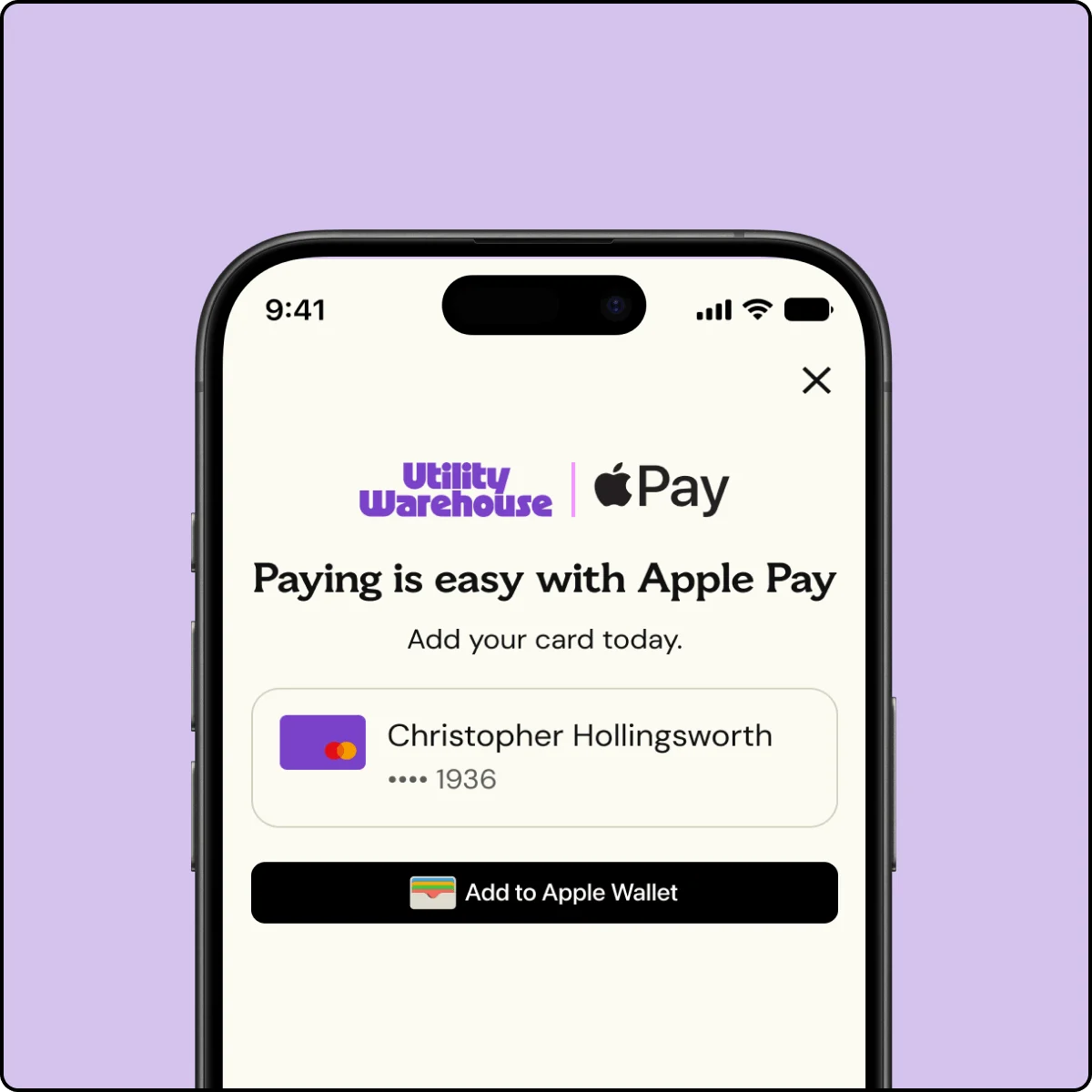
Step 2
Tap ‘Add to Apple Wallet’ and follow the on-screen instructions.
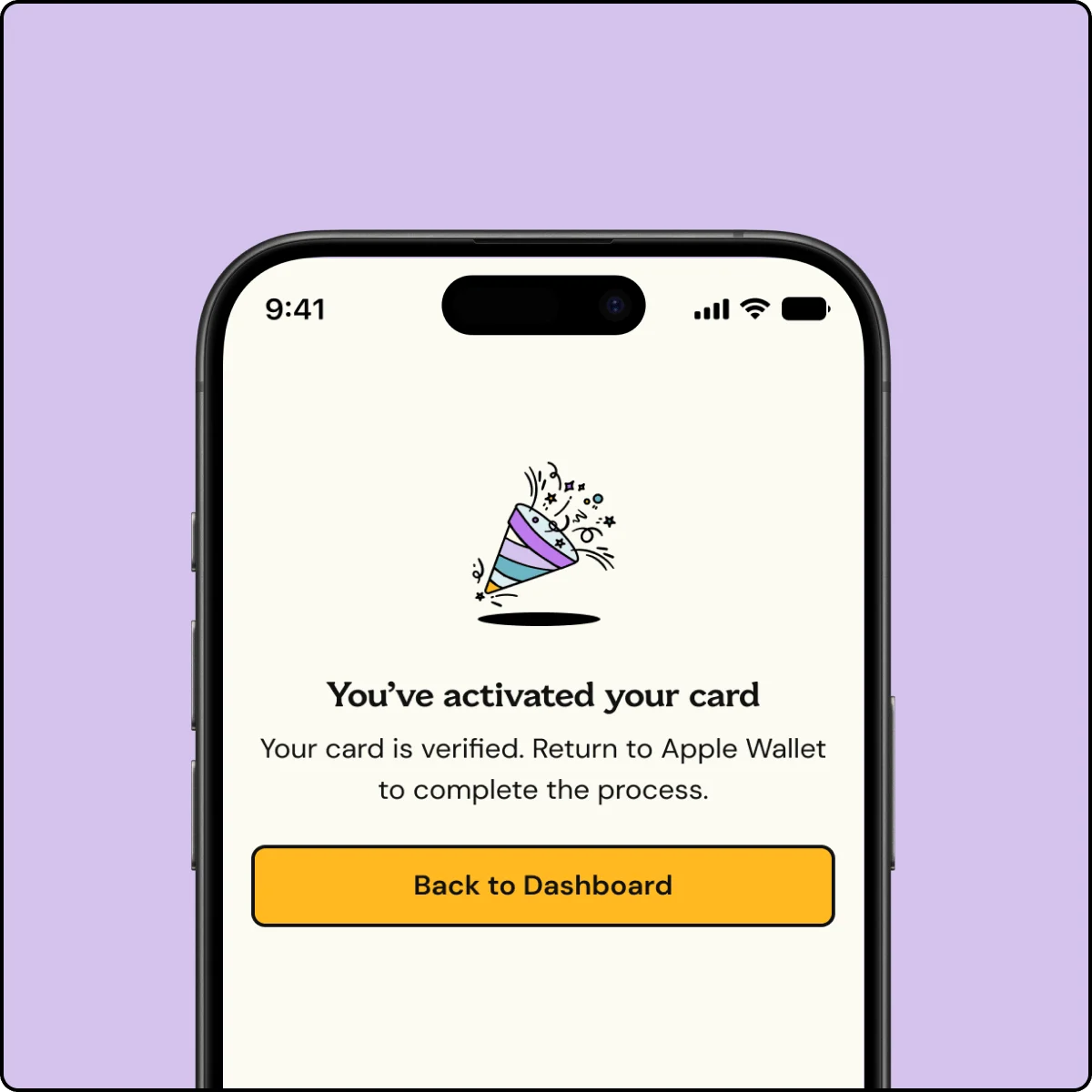
Step 3
That’s it! You’ve added your card to your Apple Wallet.
Use it at your favourite shops.
Just look for Apple Pay at the checkout, then follow the steps to pay.
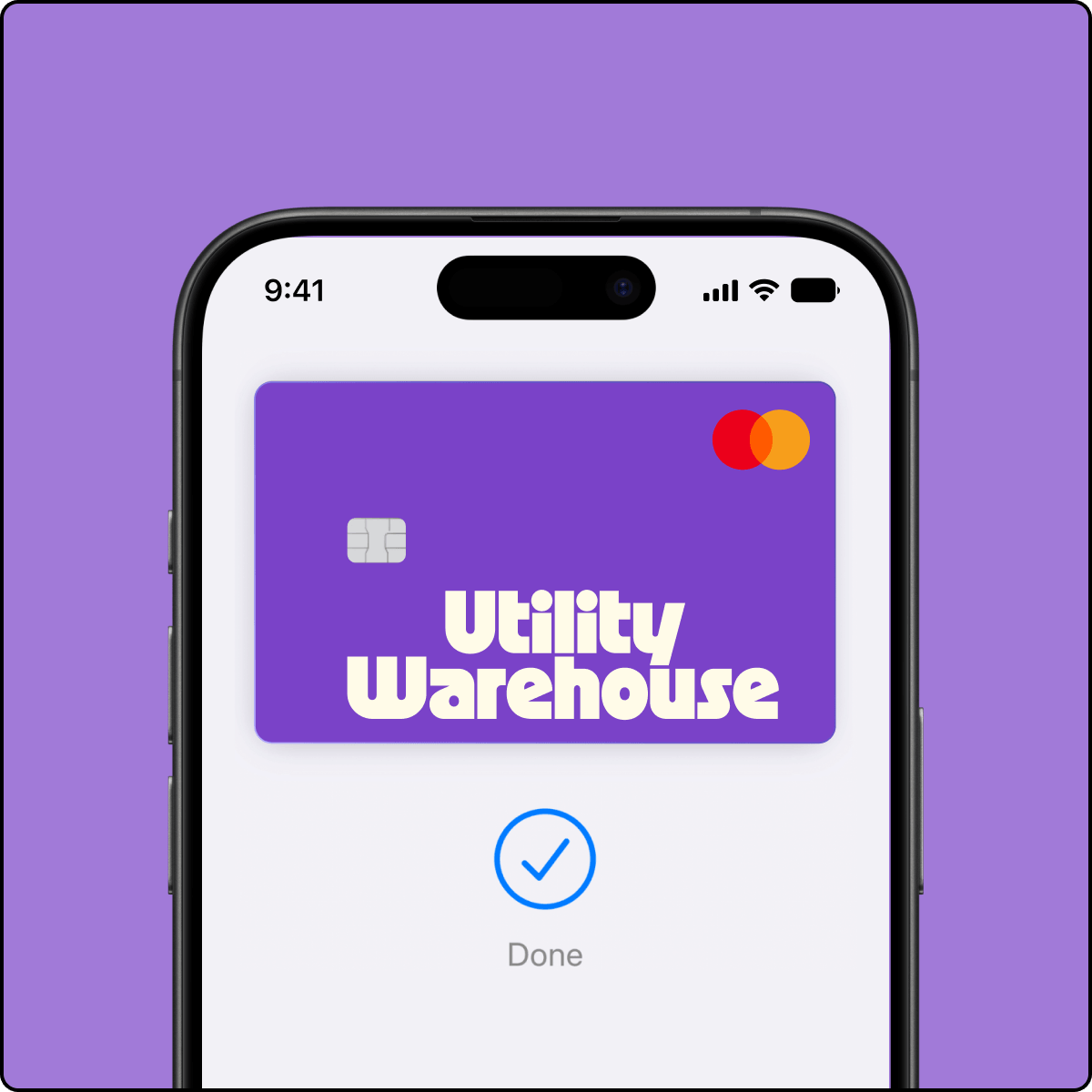
Pay with just a tap
With iPhone, double-click the side or Home button, authenticate with Face ID, Touch ID, or your passcode, then hold your device near the reader to pay.
FAQs
iPhone: Apple Pay works with iPhone 6 and later in stores, apps and websites in Safari
Apple Watch: in stores and apps (requires iPhone 6 or later)
iPad: iPad Pro, iPad (5th generation), iPad Air 2, and iPad mini 3 and later in apps and websites in Safari
Mac: Mac (2012 or later) in Safari with an Apple Pay–enabled iPhone or Apple Watch. A full list of Apple Pay compatible devices can be found here.
At stores and more: Apple Pay works anywhere that takes contactless payments — from vending machines and supermarkets to taxis and train stations.
In apps and online: Use Apple Pay for purchases in Safari on your iPhone, iPad or Mac. You can skip the lengthy checkout forms and pay with just a touch or a glance.
No. If you need to block your card in the UW app your UW Cashback Card will not work on Apple Pay.
There is no limit on Apple Pay transactions, but some merchants apply the contactless limit and will only accept payments of up to £100. Transactions made in-app and in Safari browser are not limited.
If your phone’s been lost or stolen, use Find My to lock it. You can then secure it with a new password, or erase your personal data.
If you freeze your card from within the app, you won’t be able to use your phone to make payments through Apple Pay with your UW Cashback Card.